CORPSCRM SOFTWARE
CRM software for trades companies

Quotes, crews and invoices. One place.

CORPS runs the office and the field together: quotes your clients sign online, a schedule your crew see on their phones, every hour clocked to the right job, and invoices that know what's been paid.

The demo is a made-up renovation company. Click one button and look around as the owner, the office or the crew.

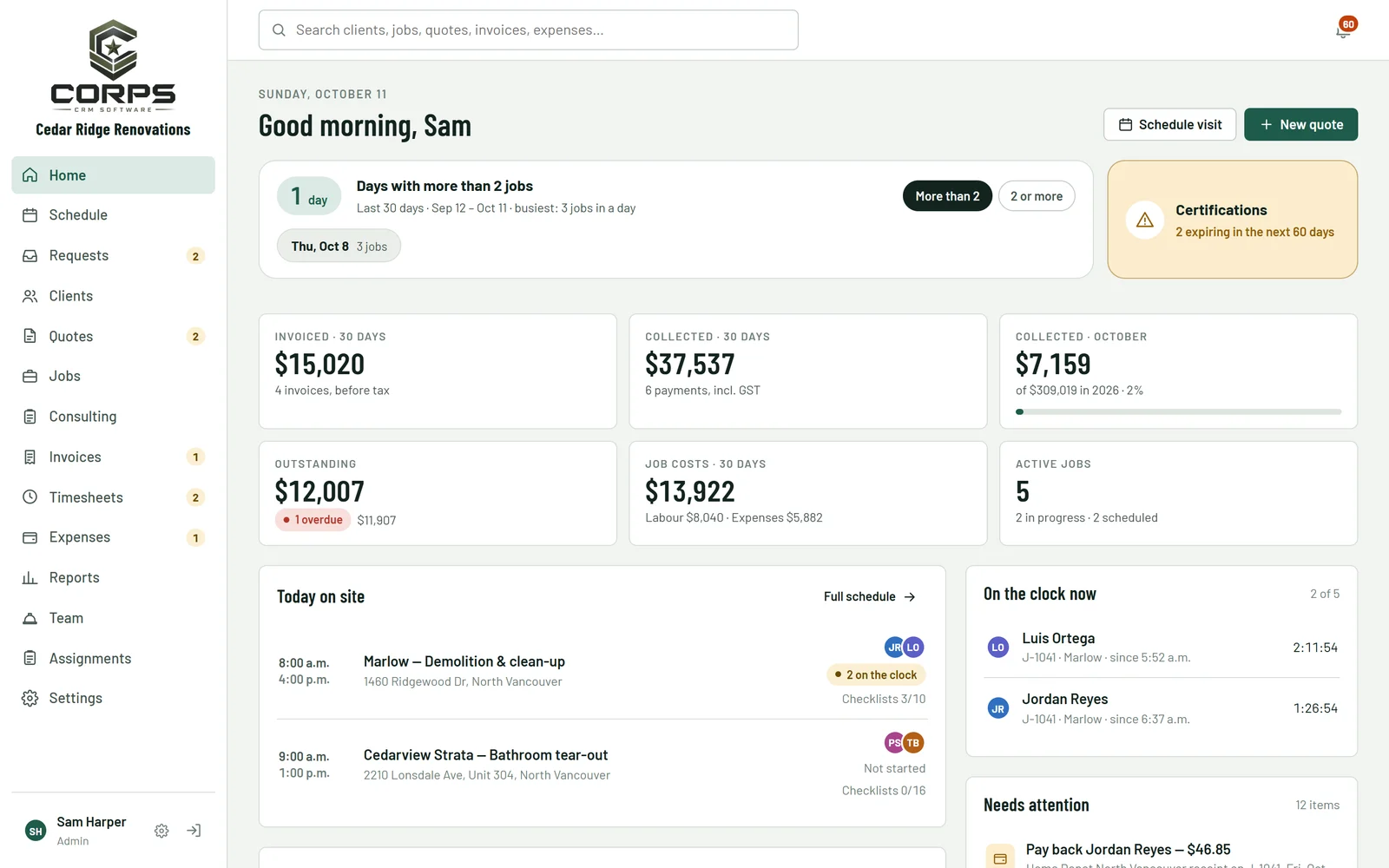
The CORPS home screen: money collected, jobs on site today and who's on the clock
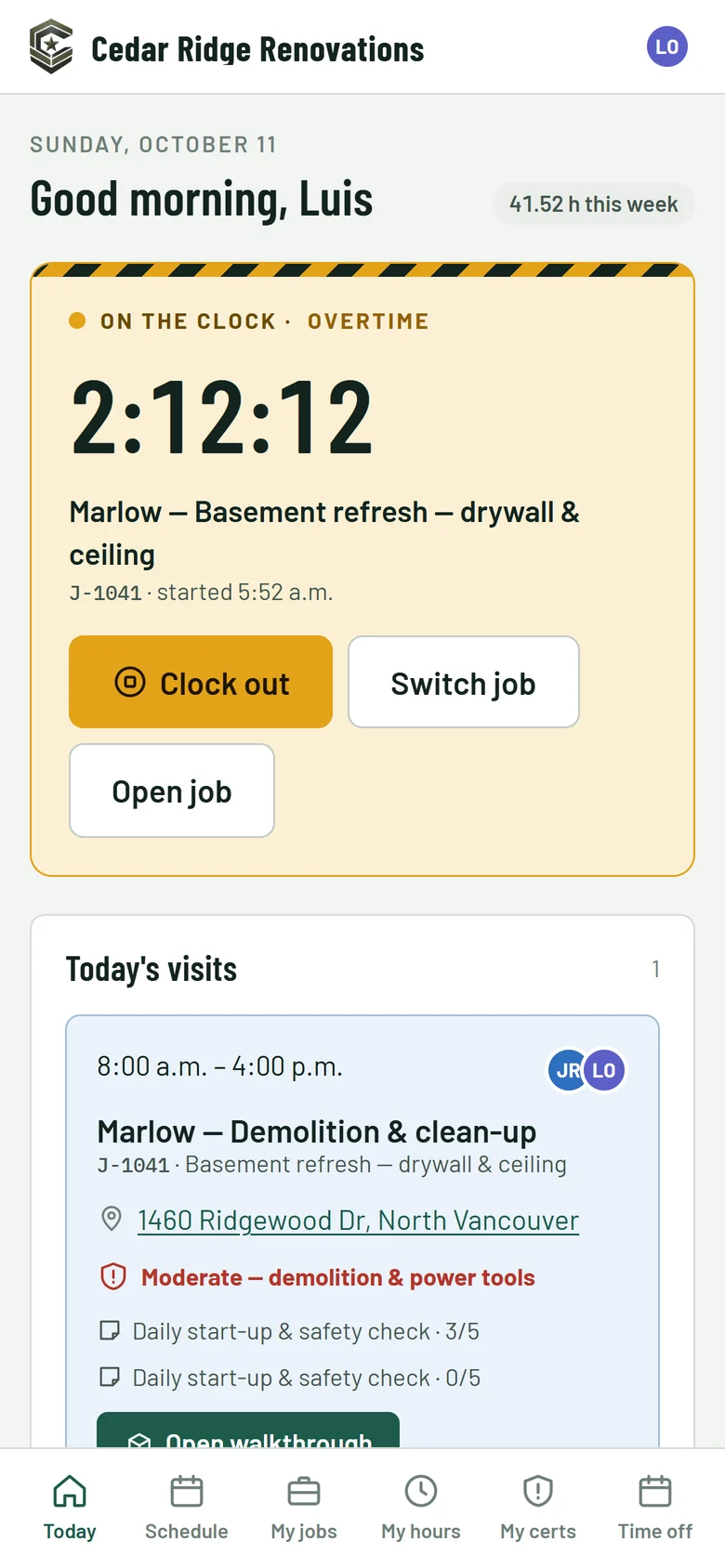
A crew member's phone: on the clock, today's visit and the site's safety notes
Built inside a working BC contractor, used every day by its office and crews Works on any phone, tablet or computer Canadian taxes, GST and PST built in
What it does

From the first call to the last payment

Everything a trades company runs on, in one app the whole team shares, so nobody re-types a job three times.

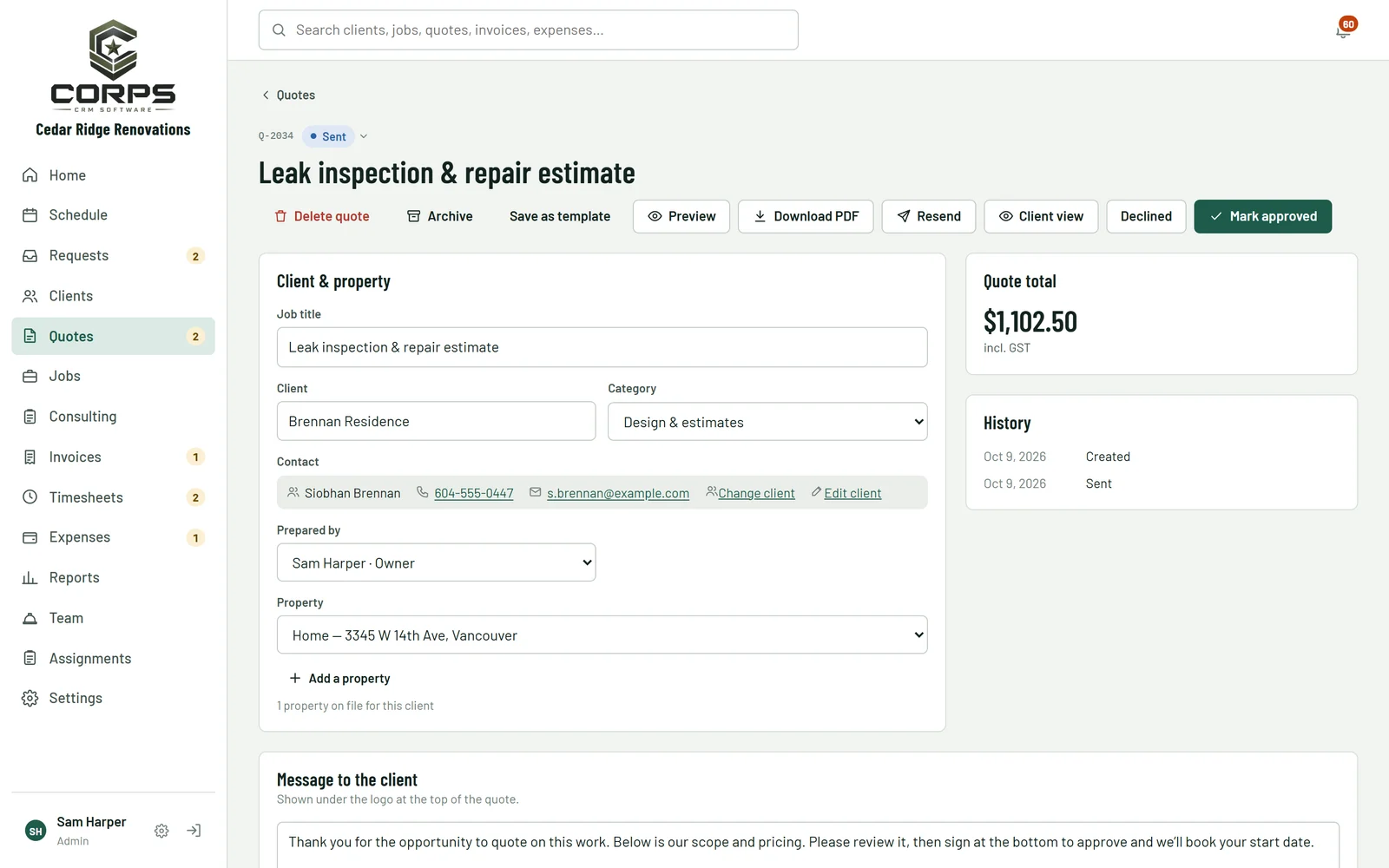
Quotes your clients sign online

Send a quote with your logo and wording. Clients open it on their phone, pick any optional items and sign. Approved quotes turn into jobs in one click.

  • Line items from your own price book
  • Deposits, optional lines and a PDF copy
  • See when a client opened it
A quote being prepared, with client, property and the quote total

A schedule the whole crew can see

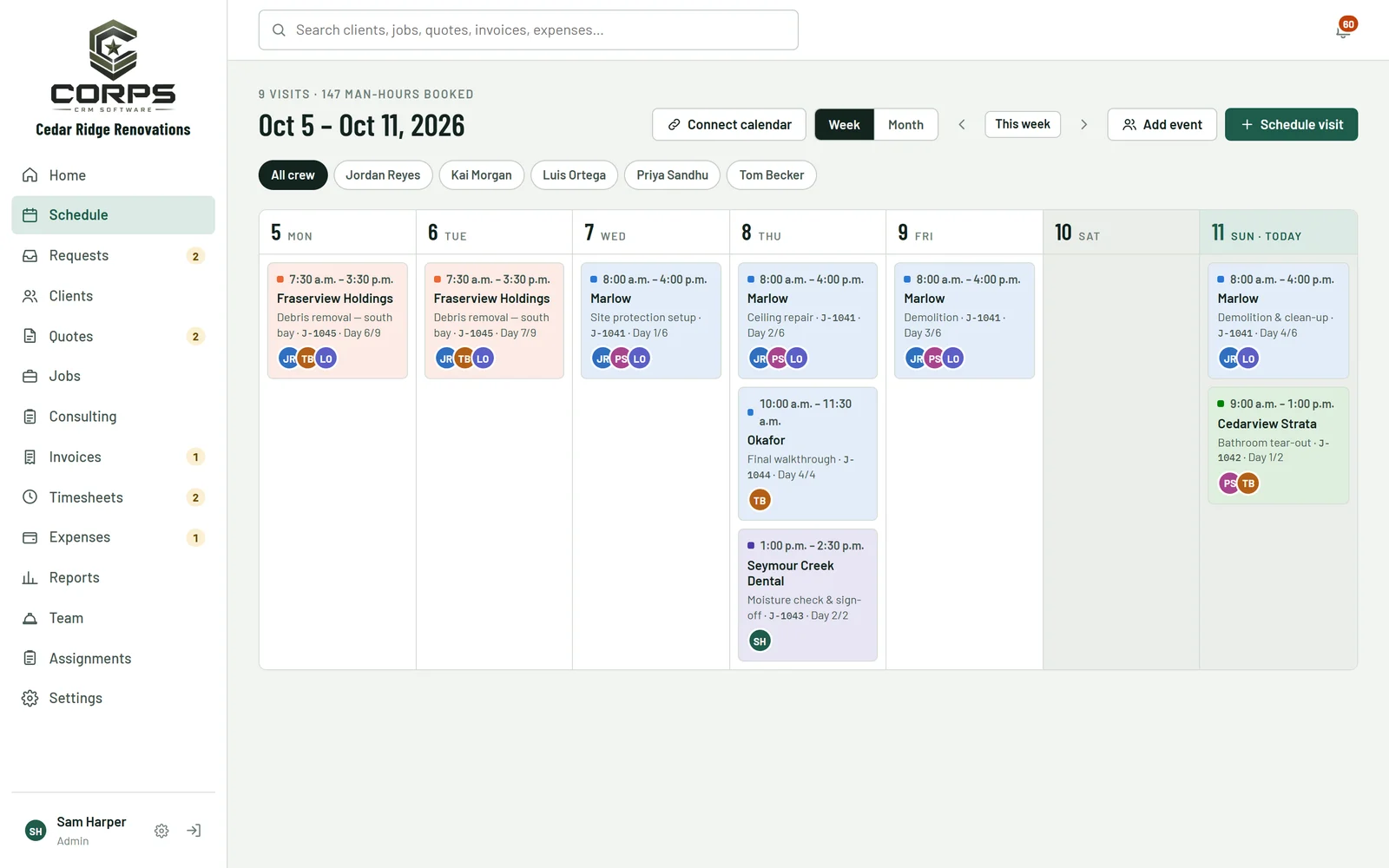
Book visits by the day or across several days, see the week or the month at a glance, and know who's off before you book them.

  • Booking emails and calendar links for the crew
  • Team events, time off and statutory holidays
  • Site supervisor and safety checks per job
The week view of the schedule with each crew's visits

Crews clock in from their phones

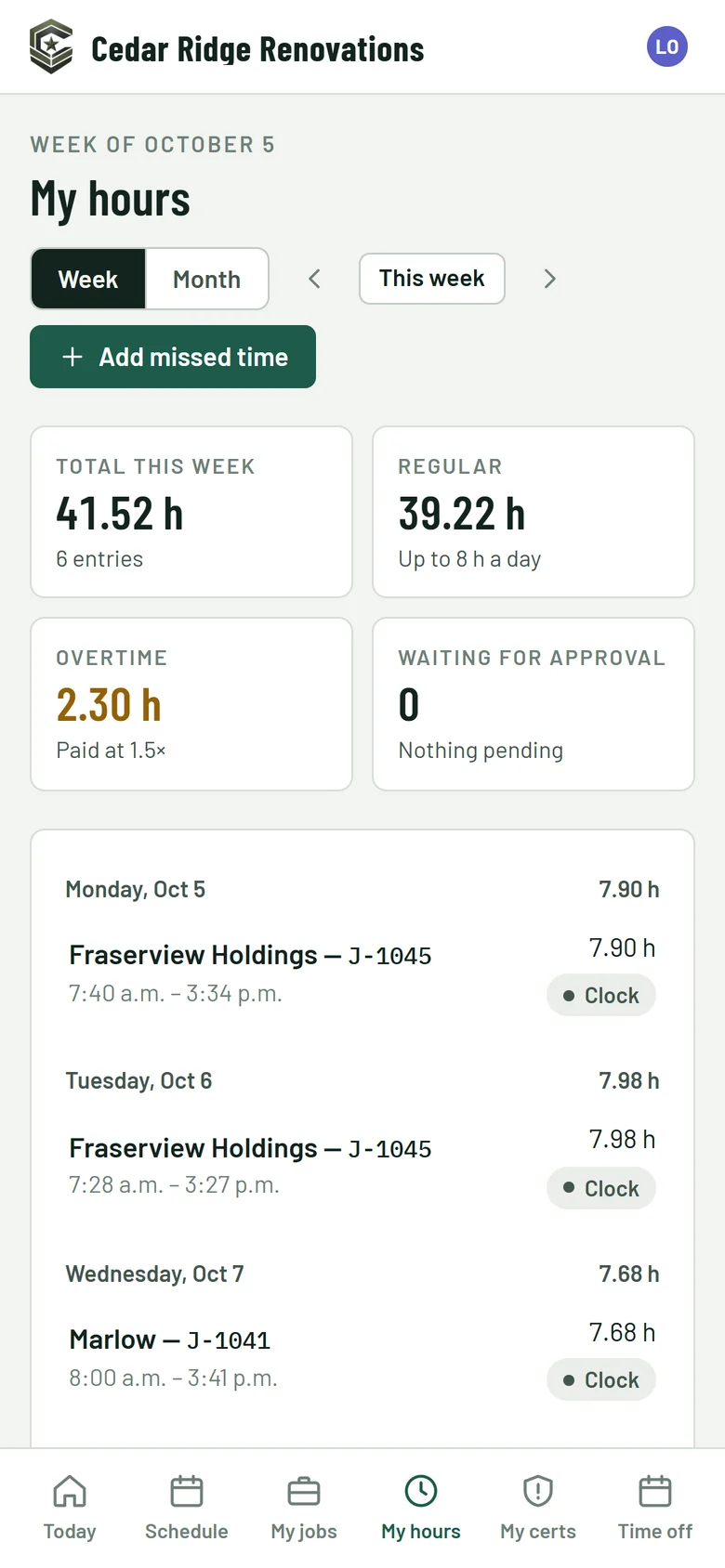
Your crew see today's visits, the address, the hazards and the checklist, and clock in to the right job. Overtime, double time and weekend rules are worked out for you.

  • A reminder before they forget to clock out
  • Photos and notes go straight to the job
  • Their certifications, with expiry reminders
A crew member's hours for the week, regular and overtime

Know what every job made

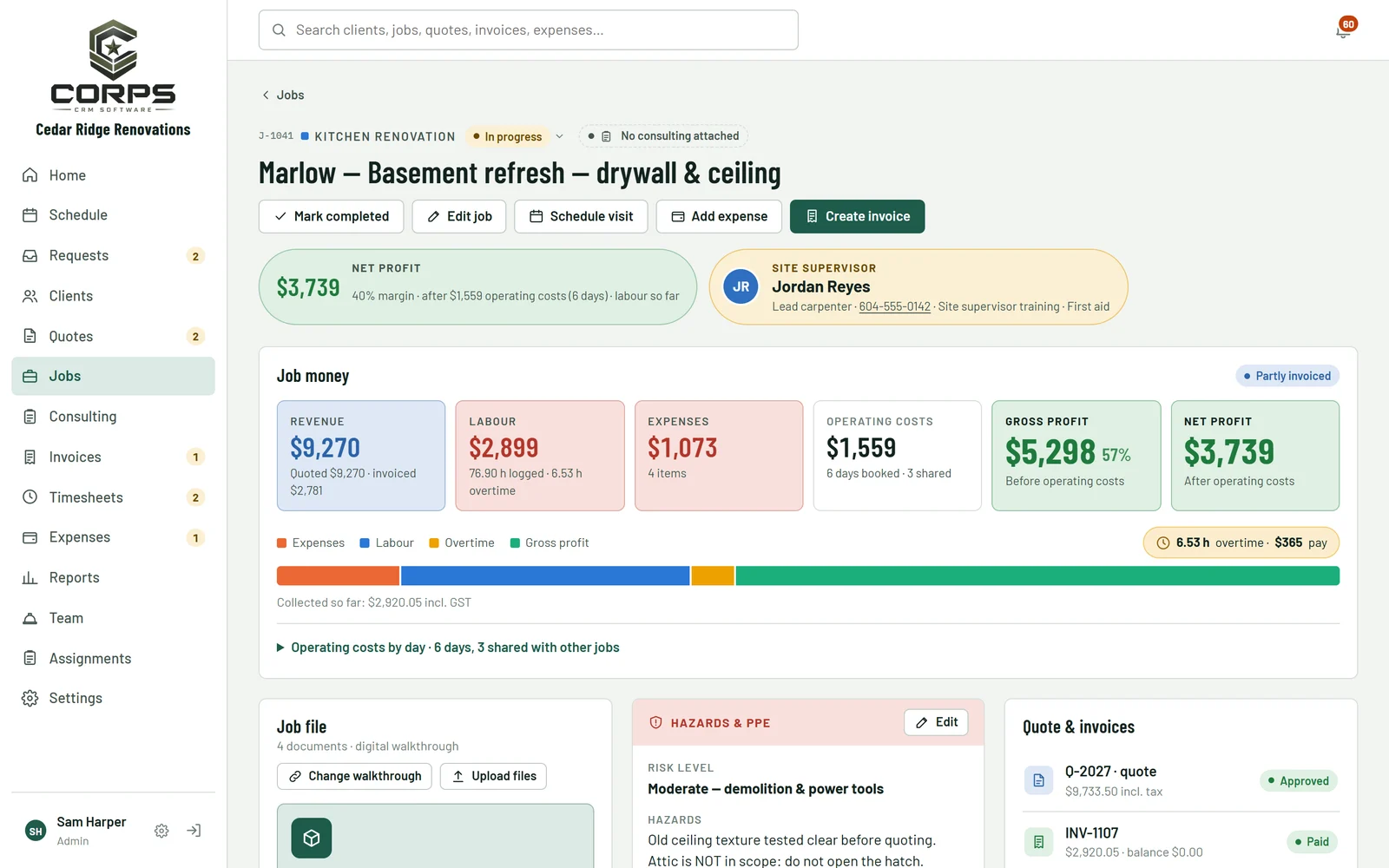
Labour (with overtime), expenses and your share of running costs come off the price, so every job shows its real profit while it's still going.

  • Revenue, labour, expenses and net profit per job
  • Job file with documents and a walkthrough link
  • Status from "action required" to "completed"
A job page showing revenue, labour, expenses and net profit

Invoices that get paid

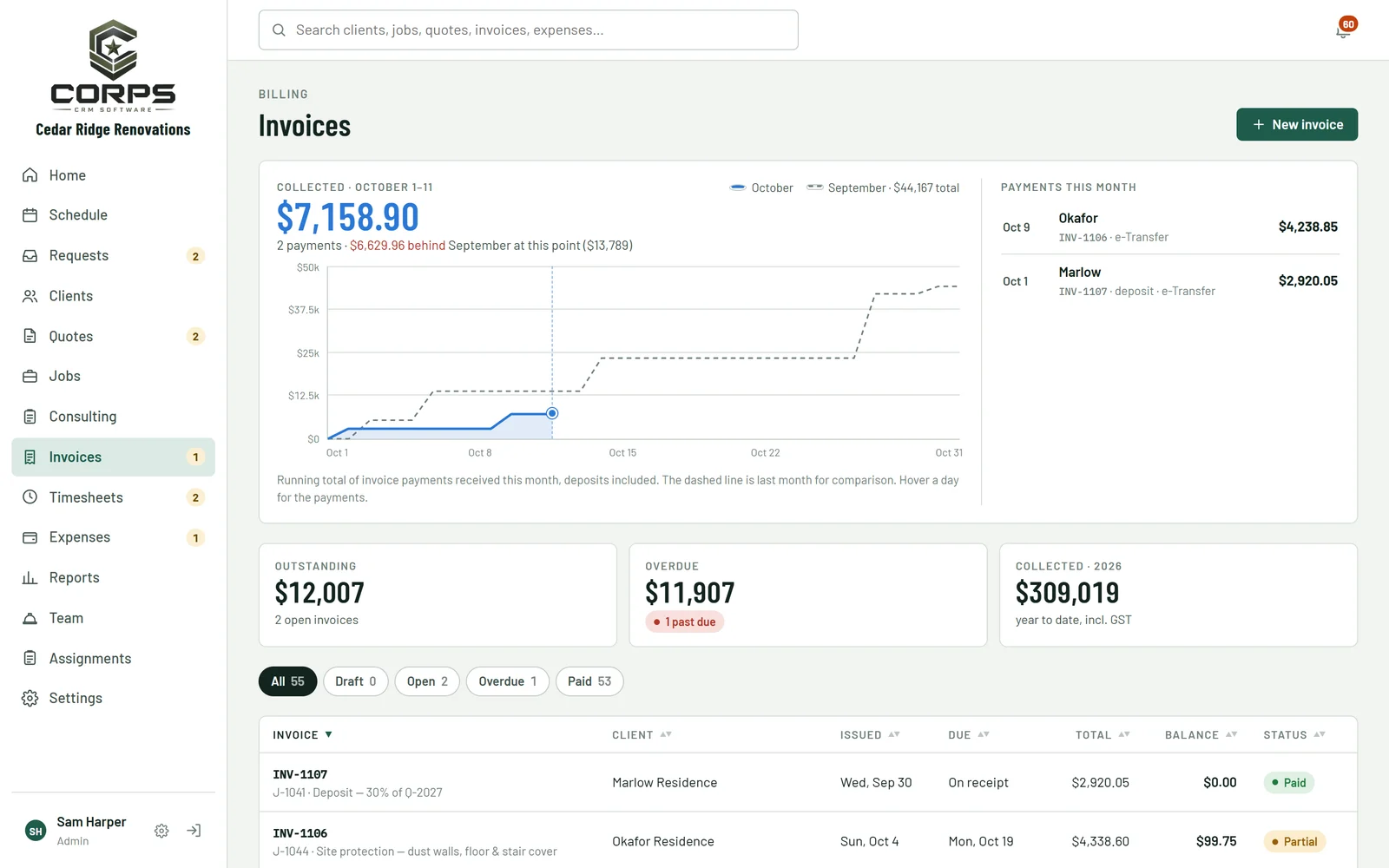
Invoice a job, a deposit or a progress payment, record payments as they come in and send receipts and statements without leaving the app.

  • What's owing and what's overdue, at a glance
  • Receipts, statements and previous balances
  • Receivables aging in Reports
The invoices page with payments collected this month

And the rest of the business

Reports

Revenue by month, job costs, quote conversion and who owes you what.

Clients and properties

Every client's quotes, jobs, invoices and notes in one place. Import your list from Excel.

Website requests

A request form for your website. New requests land in your inbox, ready to quote.

Email marketing

Branded newsletters to your clients, with lists and unsubscribe handled for you.

Roles and permissions

Owner, office manager, bookkeeper and crew each see what they need, and no more.

Your name on it

Your logo and colours throughout, on your own web address.

Getting started

  1. Try the demo

    Look around as the owner, the office or the crew. Nothing in it is real, so click anything.

  2. We set you up

    Your logo, prices, team and clients go in, on your own web address.

  3. Your crew add it to their phones

    It works like an app: no app store, nothing to install.

Want a walkthrough?

We'll show you CORPS with your own jobs in mind, and set it up for your company when you're ready.

hello@corpscrm.com